
Choosing a gaming laptop in 2026 can be challenging because manufacturers offer so many combinations of processors, graphics cards, memory, displays, and cooling systems. Some laptops are designed for casual gaming, while others are built to handle demanding AAA titles, competitive esports, streaming, and content creation.
TheLaptopAdviser Expert Gaming approach helps buyers understand these differences before spending their money. Instead of focusing only on expensive specifications, it considers gaming requirements, performance, budget, and long-term usability.
Whether you are buying your first gaming laptop or upgrading an older machine, understanding the important hardware features will help you make a better decision.
What Is TheLaptopAdviser Expert Gaming?
TheLaptopAdviser Expert Gaming is a gaming laptop selection approach focused on helping buyers understand hardware specifications and choose a machine that matches their needs. It covers important factors such as CPU performance, GPU capability, RAM, storage, display quality, cooling, and battery life.
The main idea is simple: choose a balanced gaming laptop based on the games you play, your budget, and how you plan to use the machine.
Why Choosing the Right Gaming Laptop Matters in 2026
Modern games require more processing power, better graphics, and sufficient memory. Choosing an unsuitable laptop can result in low frame rates, overheating, slow loading times, and limited upgrade options.
What Makes a Gaming Laptop Different from a Regular Laptop?
Gaming laptops usually feature dedicated graphics cards, high-performance processors, advanced cooling systems, and high-refresh-rate displays. Regular laptops generally prioritize portability, battery efficiency, and everyday productivity.
What You’ll Learn in This Gaming Laptop Buying Guide
This guide explains how to compare processors, graphics cards, RAM, SSDs, displays, and cooling systems. You will also learn how to evaluate different price categories, avoid common buying mistakes, and select a laptop that suits your gaming habits.
Understand Your Gaming Needs Before Buying a Laptop
Before comparing laptop specifications, consider what you actually want to play. A laptop for casual games does not require the same hardware as one designed for demanding AAA titles.
| Gaming Requirements | Recommended Configuration | Suitable For |
|---|---|---|
| Casual gaming | Modern Core 5/Ryzen 5, integrated or entry GPU, 16GB RAM | Light games and everyday use |
| Competitive gaming | Core 5/7 or Ryzen 5/7, RTX 5060-class GPU, 16GB RAM | Esports and high FPS |
| AAA gaming | Core 7/9 or Ryzen 7/9, RTX 5070-class GPU or better, 32GB RAM | Demanding modern games |
| Gaming and streaming | Core 7/9 or Ryzen 7/9, RTX 5070 Ti-class GPU or better, 32GB RAM | Gaming, streaming, editing |
Casual Gaming vs. Competitive Gaming
Casual gamers usually enjoy games at comfortable settings without needing extremely high frame rates. Competitive players often prioritize fast displays, responsive keyboards, stable performance, and high FPS.
AAA Gaming vs. Esports Gaming
AAA games often require powerful graphics cards and sufficient VRAM to deliver detailed environments. Esports titles such as Valorant and Counter-Strike 2 generally benefit more from high frame rates and low input latency.
Gaming, Streaming, and Content Creation Requirements
If you plan to stream gameplay, edit videos, or create gaming content, choose a stronger processor, 32GB RAM, and sufficient SSD storage. A capable NVIDIA GPU can also help with hardware-accelerated encoding and supported creative applications.
Choose the Right Gaming Laptop Processor (CPU)
The CPU manages game logic, background processes, multitasking, and many other computing tasks. A good processor helps maintain consistent performance, particularly in CPU-intensive games.
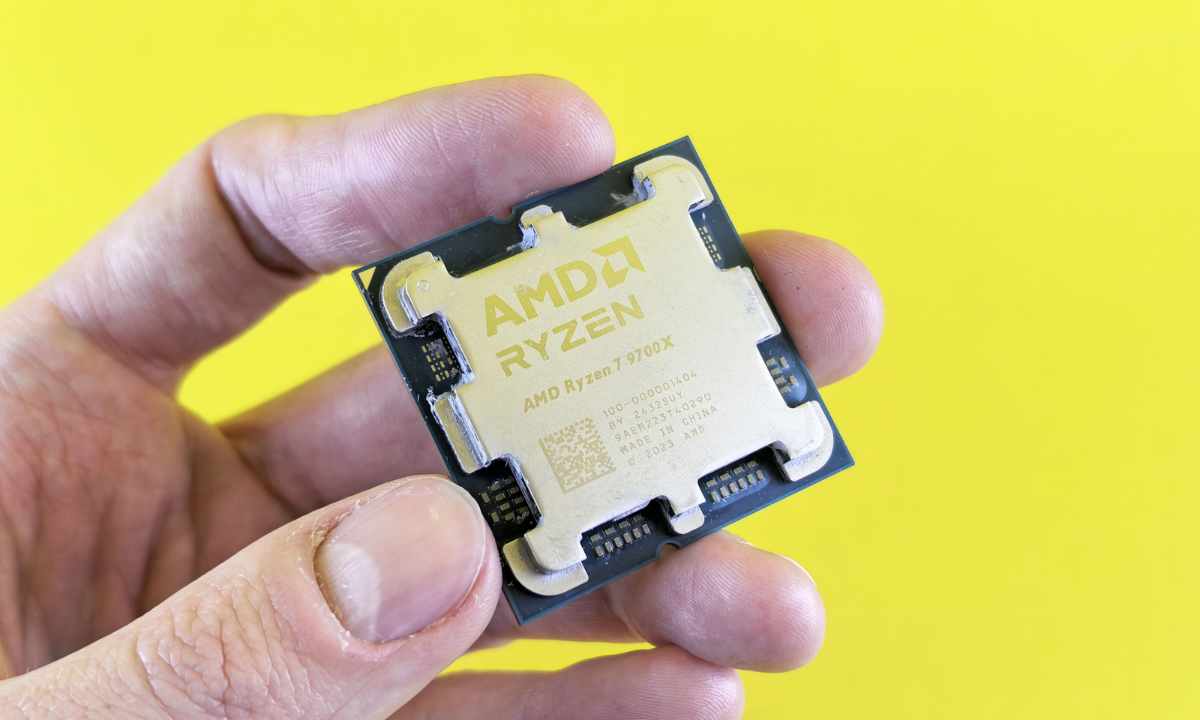
Intel Core Ultra vs. AMD Ryzen: Which Is Better for Gaming?
Both Intel and AMD offer capable gaming processors. Intel Core Ultra processors provide strong performance and power efficiency across different laptop categories. AMD Ryzen processors also offer excellent gaming and multitasking performance.
Rather than choosing a brand based on its name, compare the exact processor model, power limits, benchmarks, and cooling performance.
How Many CPU Cores Do You Need for Gaming?
Six to eight capable CPU cores are sufficient for many gaming setups. Eight or more cores can be useful for demanding multitasking, streaming, and content creation. However, core count alone does not determine gaming performance.
Why CPU Performance Matters for Modern Games
The CPU handles calculations, artificial intelligence, physics, and background tasks. A weak processor can limit frame rates even when paired with a powerful graphics card.
Choose the Best Graphics Card (GPU) for Gaming
The GPU is one of the most important components in a gaming laptop. It determines graphical quality, rendering performance, and how smoothly demanding games run.
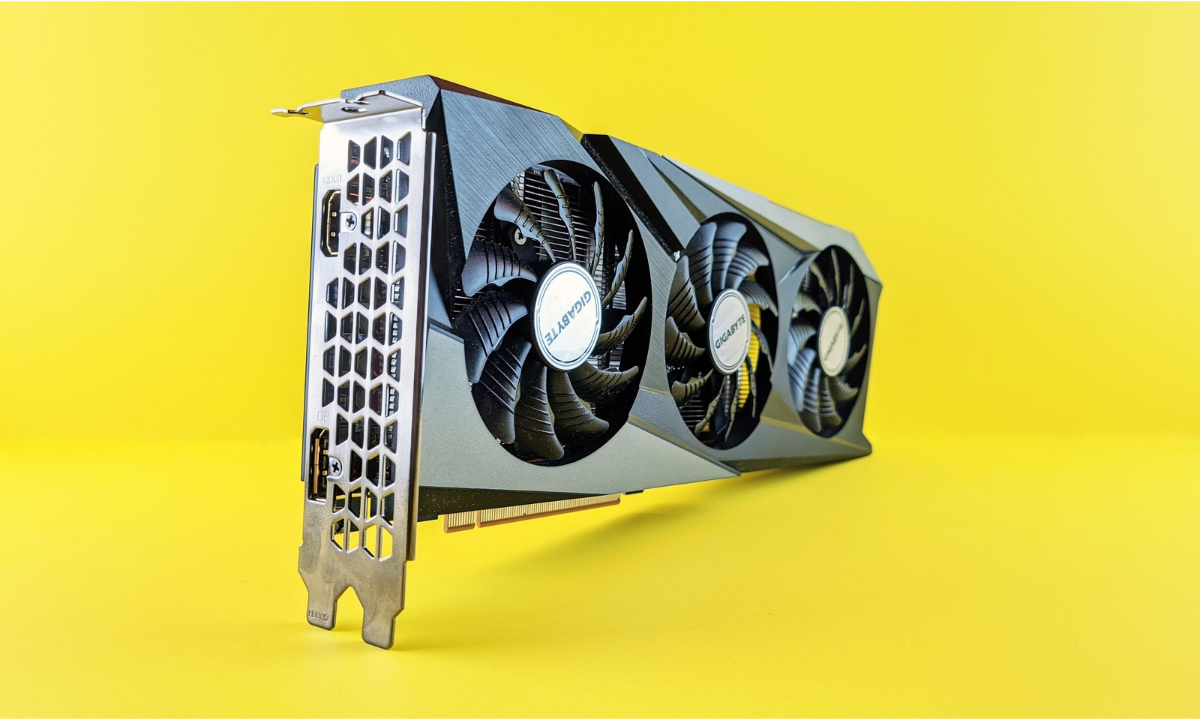
NVIDIA GeForce RTX vs. AMD Radeon Graphics
NVIDIA GeForce RTX GPUs offer features such as DLSS, ray tracing, and supported AI-assisted graphics technologies. AMD Radeon GPUs provide competitive graphics performance in selected laptop configurations.
Your choice should depend on actual gaming benchmarks, software requirements, and laptop power limits.
How Much GPU Power Do You Need in 2026?
For entry-level gaming, an RTX 5050 or RTX 5060 may be suitable. RTX 5070 and RTX 5070 Ti configurations offer stronger options for demanding 1440p gaming. High-end RTX 5080 and RTX 5090 laptops target enthusiasts seeking maximum graphics performance.
Always check Total Graphics Power (TGP). Two laptops with the same GPU name can deliver different results because of their power configurations and cooling systems.
Understanding VRAM and Its Importance in Gaming
VRAM stores graphical data such as textures and rendering resources. More VRAM can help when playing demanding games at higher resolutions and texture settings. Check the GPU’s actual memory capacity before purchasing.
Is an Entry-Level, Mid-Range, or High-End GPU Right for You?
Choose an entry-level GPU for casual 1080p gaming, a mid-range GPU for stronger performance and demanding games, and a high-end GPU for advanced graphics settings and higher resolutions.
How Much RAM Do You Need for a Gaming Laptop?
RAM allows your laptop to manage games and applications simultaneously. Insufficient memory can cause stuttering and slow multitasking.
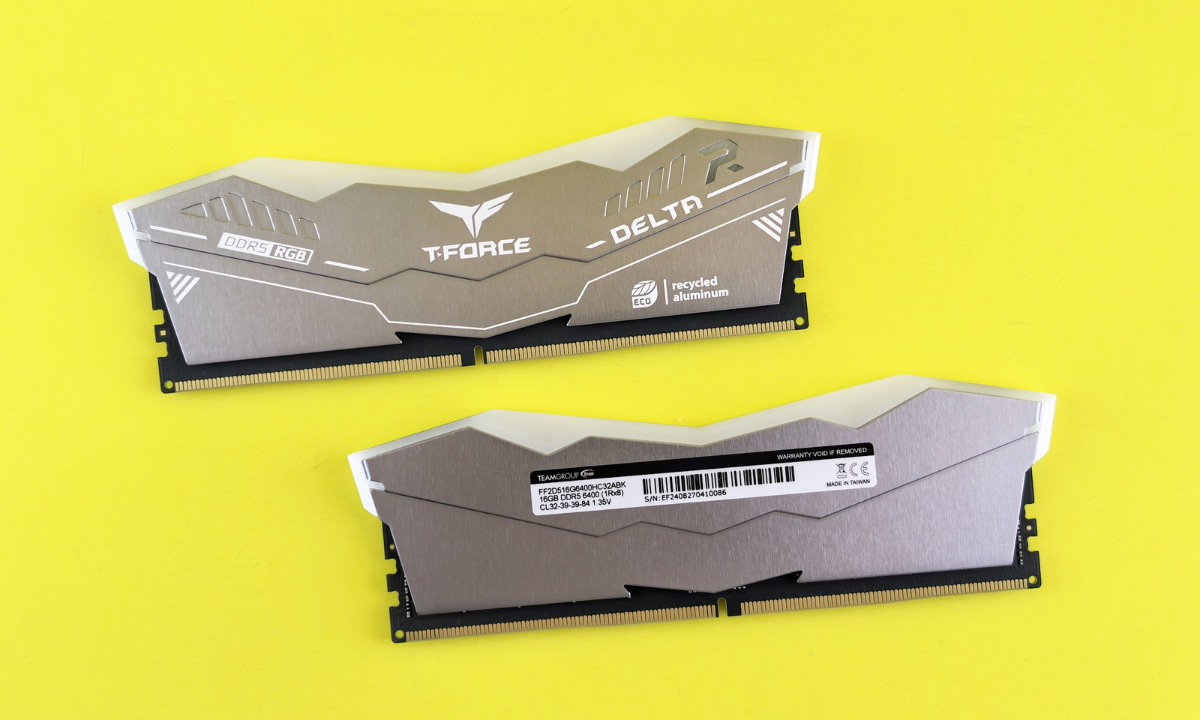
Is 16GB RAM Enough for Gaming in 2026?
Yes. 16GB remains a practical starting point for many modern games. However, demanding games and multitasking workloads may benefit from additional memory.
32GB vs. 64GB RAM: Which Should You Choose?
32GB is a good choice for gaming, streaming, and content creation. 64GB is more suitable for specialized workloads, professional editing, and heavy multitasking.
DDR5 vs. LPDDR5X: Understanding Gaming Memory
DDR5 memory is common in performance-oriented gaming laptops and is often upgradeable. LPDDR5X focuses on power efficiency but is generally soldered to the motherboard. Check upgradeability before buying.
Choose the Right Storage: SSD Capacity and Speed
Storage affects game installation capacity, system responsiveness, and loading times.
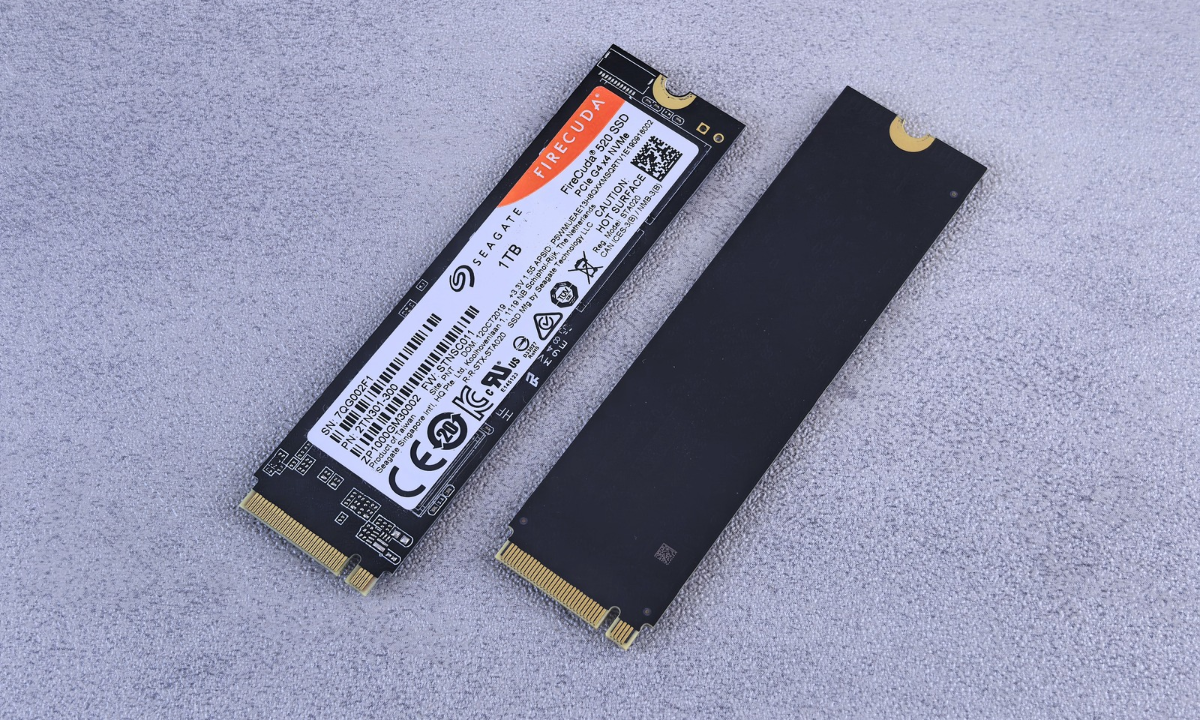
512GB vs. 1TB vs. 2TB SSD
A 512GB SSD works for a smaller game collection. A 1TB SSD provides more comfortable space for modern games, while 2TB is useful for users with large libraries.
Why NVMe SSDs Are Important for Gaming
NVMe SSDs offer fast data transfer speeds and help reduce loading times. They also improve everyday system responsiveness.
Can You Upgrade Your Gaming Laptop Storage?
Many gaming laptops allow SSD upgrades or additional drive installation. However, some models have limited expansion options. Check the manufacturer’s specifications before purchasing.
Gaming Laptop Display: Resolution, Refresh Rate, and Response Time
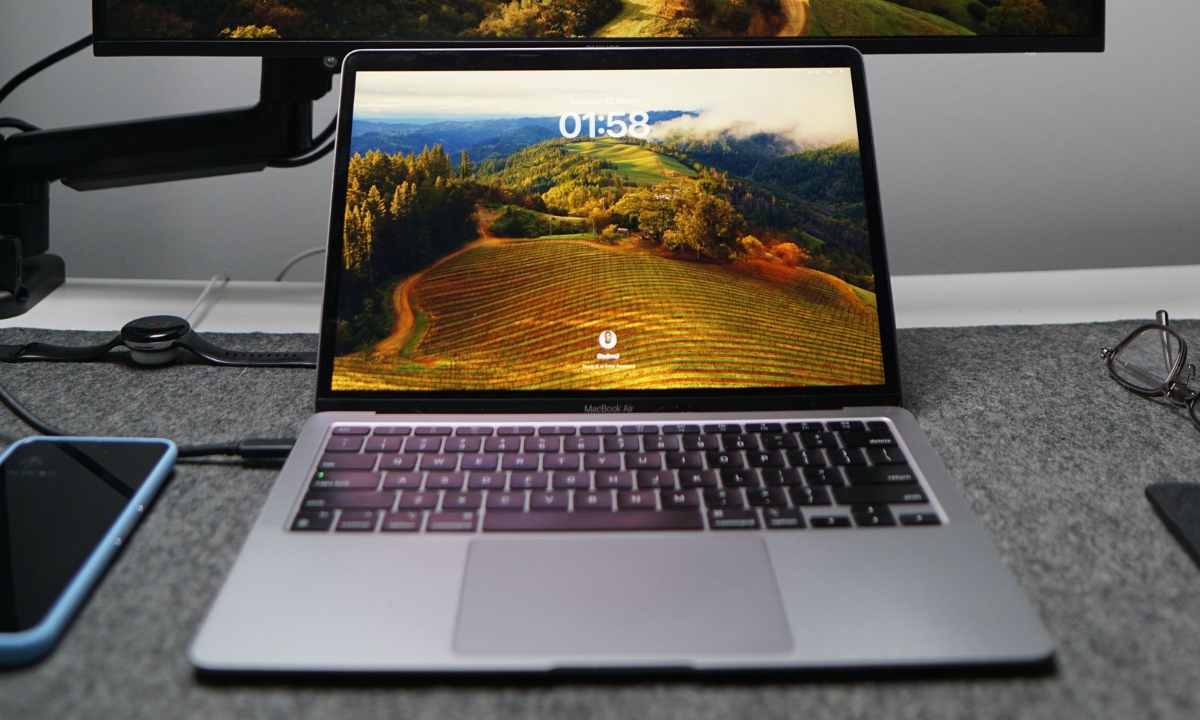
The display directly affects how games look and feel. Consider resolution, refresh rate, panel technology, and response time together.
Full HD vs. QHD vs. 4K Gaming Displays
Full HD is suitable for budget gaming and high frame rates. QHD offers sharper visuals while maintaining a reasonable performance requirement. 4K provides excellent detail but requires a powerful GPU.
144Hz vs. 165Hz vs. 240Hz Refresh Rate
A 144Hz display is suitable for most gamers. A 165Hz panel provides a small improvement, while 240Hz is useful for competitive players who can achieve sufficiently high frame rates.
IPS vs. OLED: Which Display Is Best for Gaming?
IPS displays offer good viewing angles and are available across different price ranges. OLED provides deeper blacks, excellent contrast, and rich colours. Your choice depends on budget and visual preferences.
Why Display Response Time and Color Accuracy Matter
Low response times help reduce motion blur and ghosting. Colour accuracy matters particularly for users who also edit videos, create graphics, or produce gaming content.
Cooling System and Thermal Performance
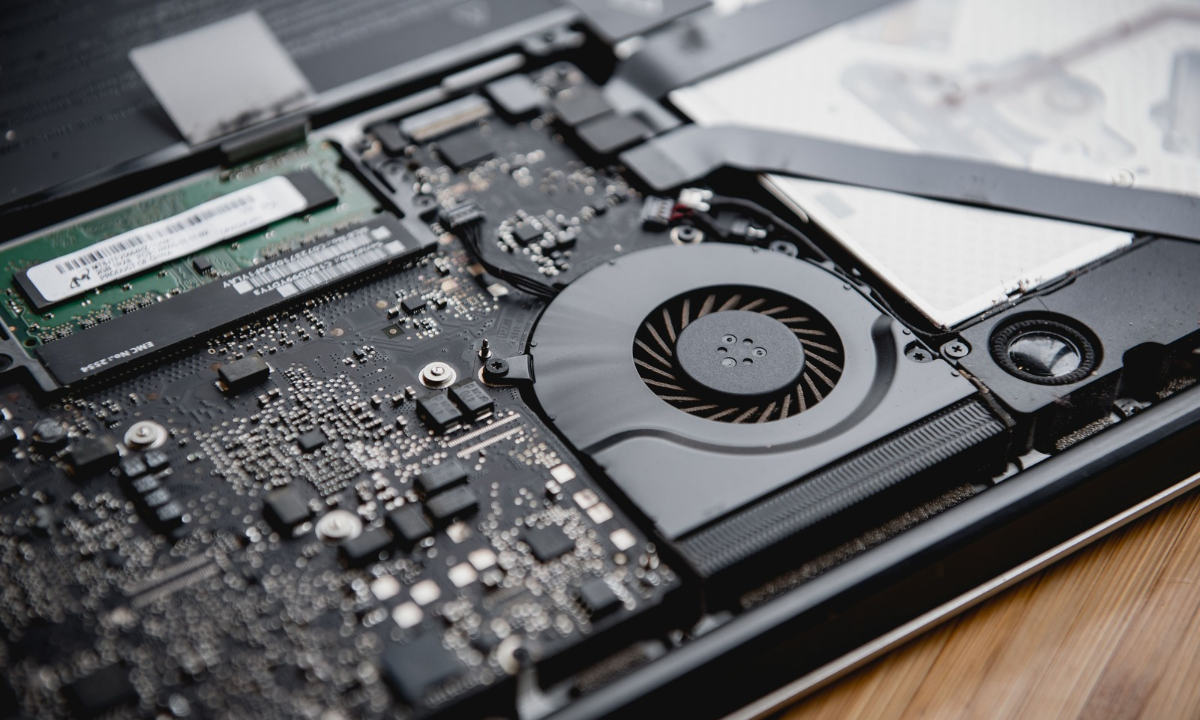
Gaming laptops generate considerable heat during demanding workloads. An effective cooling system helps maintain stable performance.
Why Gaming Laptops Need Advanced Cooling
Poor cooling can cause thermal throttling, reducing CPU and GPU performance. Good airflow and effective heat dissipation help maintain consistent frame rates.
Dual-Fan vs. Advanced Vapor Chamber Cooling
Dual-fan systems are common in mainstream gaming laptops. Advanced vapor chamber cooling distributes heat more effectively in selected premium models. The best solution depends on the laptop’s complete thermal design.
How to Avoid Overheating and Thermal Throttling
Keep air vents clear, clean dust regularly, use a suitable laptop stand, and avoid gaming on soft surfaces. Monitor temperatures during demanding sessions.
Battery Life and Power Efficiency
Battery performance varies significantly between gaming laptop models. Powerful components generally consume more energy.
How Long Should a Gaming Laptop Battery Last?
Battery life depends on screen brightness, workload, processor efficiency, and battery capacity. Everyday use may last several hours, but demanding gaming can drain the battery much faster.
Gaming Performance While Plugged In vs. On Battery
Most gaming laptops deliver their best performance while connected to the original power adapter. Battery mode usually limits GPU and CPU power to conserve energy.
Tips to Improve Gaming Laptop Battery Life
Reduce screen brightness, enable balanced power settings, close unnecessary applications, and use integrated graphics for everyday tasks when supported.
Keyboard, Build Quality, and Design
A comfortable keyboard and durable chassis make long gaming sessions more enjoyable.

RGB Backlit Keyboard and Customization
RGB lighting helps users customize their gaming setup. Some laptops also support per-key lighting and programmable keyboard shortcuts.
Mechanical vs. Membrane-Style Laptop Keyboards
Most gaming laptops use membrane-style or scissor-switch keyboards. External mechanical keyboards are another option for players who prefer distinct key feedback.
Portability, Weight, and Build Materials
A 14-inch or 16-inch laptop may suit users who travel frequently. Larger 17-inch and 18-inch models generally offer more screen space but are heavier.
Essential Ports for Gaming and Accessories
Look for USB-A, USB-C, HDMI, Ethernet, and a 3.5mm audio jack. Check whether USB-C supports charging or display output if those features matter to you.
How Much Should You Spend on a Gaming Laptop in 2026?
Your budget determines which hardware combinations are available. Focus on balanced performance rather than paying extra for specifications you may never use.
Budget Gaming Laptops
Entry-level laptops generally feature Core 5 or Ryzen 5 processors, RTX 5050 or RTX 5060 graphics, and 16GB RAM. They are suitable for everyday gaming and many esports titles.
Mid-Range Gaming Laptops
Mid-range models often combine Core 7 or Ryzen 7 processors with RTX 5060, RTX 5070, or similar graphics configurations. They offer a practical balance between price and gaming performance.
High-End Gaming Laptops
Premium gaming laptops may include Core Ultra 9 or Ryzen 9 processors, RTX 5080 or RTX 5090 graphics, 32GB or 64GB RAM, and advanced displays.
Common Gaming Laptop Buying Mistakes to Avoid
Avoid these common mistakes when comparing gaming laptops:
- Buying based only on processor or GPU model names.
- Ignoring GPU wattage and cooling performance.
- Choosing 8GB RAM for demanding modern gaming.
- Paying extra for a high refresh rate that your GPU cannot fully support.
- Ignoring SSD upgrade options.
- Overlooking warranty coverage and build quality.
- Expecting desktop-level gaming performance from a thin laptop.
Gaming Laptop vs Desktop PC: Which Is Better for You?
A gaming laptop is ideal for portability, travel, and users who need one machine for work and gaming. A desktop PC generally offers better upgrade flexibility, cooling capacity, and performance for the same budget.
Choose a laptop if mobility matters. Choose a desktop if maximum performance and future hardware upgrades are your priorities.
How to Maintain Your Gaming Laptop for Better Performance
Regular maintenance helps keep your gaming laptop running smoothly. Clean the cooling vents, update graphics drivers, install system updates, and avoid blocking airflow.
Use the manufacturer’s recommended performance settings and monitor temperatures during heavy gaming. Also, avoid unnecessary software running in the background.
Gaming Laptop Buying Checklist for 2026
Before making your final purchase, review this checklist:
- Check CPU and GPU performance.
- Choose sufficient RAM and SSD storage.
- Compare display resolution and refresh rate.
- Check cooling and thermal performance.
- Consider battery life and portability.
- Compare prices, warranty, and upgrade options.
Best 11 Gaming Laptop Brands to Consider in 2026
Choosing a reliable manufacturer can make it easier to find suitable gaming hardware, support, and warranty options. Here are 11 brands worth comparing.
| Brand | Popular Gaming Series | Best Known For |
|---|---|---|
| ASUS | ROG, TUF Gaming | Performance and gaming features |
| Lenovo | Legion, LOQ | Balanced performance and design |
| Acer | Predator, Nitro | Budget and premium gaming options |
| MSI | Raider, Vector, Katana | Gaming-focused hardware |
| Alienware | Area-51, Aurora | Premium gaming laptops |
| HP | OMEN, Victus | Mainstream and performance gaming |
| Razer | Blade | Premium design and portability |
| Gigabyte | AORUS, GIGABYTE Gaming | Performance-focused configurations |
| Dell | G Series | Mainstream gaming options |
| Samsung | Galaxy Book | General-purpose laptops with selected graphics options |
| ASUS ProArt | ProArt | Creative workloads with selected GPU configurations |
TheLaptopAdviser Expert Gaming: Final Buying Recommendations
Finding the best gaming laptop in 2026 starts with understanding your actual requirements. Casual gamers can save money with entry-level configurations, while competitive players should prioritize GPU performance, high refresh rates, and responsive displays.
For most users, a balanced laptop with a capable Core 7 or Ryzen 7 processor, a mid-range dedicated GPU, 32GB RAM, and a 1TB NVMe SSD is a sensible long-term option.
TheLaptopAdviser Expert Gaming buying approach is about making an informed decision. Compare real-world benchmarks, check thermal performance, review upgrade options, and choose a laptop that fits both your gaming habits and budget.
Frequently Asked Questions (FAQs) About TheLaptopAdviser Expert Gaming
1. What is TheLaptopAdviser Expert Gaming?
TheLaptopAdviser Expert Gaming is a gaming laptop buying approach that helps users understand hardware specifications, compare performance, and choose suitable laptops based on their gaming requirements and budget.
2. What is the most important component in a gaming laptop?
The GPU is generally the most important component for gaming performance because it handles graphics rendering. However, the CPU, cooling system, and RAM also affect overall performance.
3. Is 16GB RAM enough for gaming in 2026?
Yes. 16GB RAM is sufficient for many modern games. However, 32GB is a better choice for users who stream, edit videos, or run multiple applications while gaming.
4. Which GPU should I choose for a gaming laptop in 2026?
An RTX 5060 is a reasonable starting point for mainstream gaming. RTX 5070 and higher configurations are better suited to demanding games and higher-resolution displays.
5. Is a gaming laptop worth buying in 2026?
Yes, especially if you need a portable machine for gaming, studying, working, or content creation. The right model depends on your budget and performance expectations.
6. Is an OLED display better than IPS for gaming?
OLED generally provides better contrast, deeper blacks, and rich colours. IPS displays can offer good gaming performance at more affordable prices.
7. How much SSD storage do I need for a gaming laptop?
A 1TB NVMe SSD is a practical choice for most gamers. Choose 2TB if you regularly install several large games and creative applications.
8. Do gaming laptops overheat?
Gaming laptops can become hot under heavy workloads. However, a well-designed cooling system, proper airflow, and regular cleaning help maintain stable performance.
9. Should I buy a gaming laptop or a desktop PC?
Choose a gaming laptop if portability is important. A desktop PC is generally better if you want greater upgrade flexibility and higher performance for your budget.
10. How can I choose the best gaming laptop for my budget?
Start by identifying the games you play, then compare GPU performance, CPU capability, RAM, SSD capacity, display quality, and cooling. Finally, check warranty coverage and compare prices across reliable retailers.